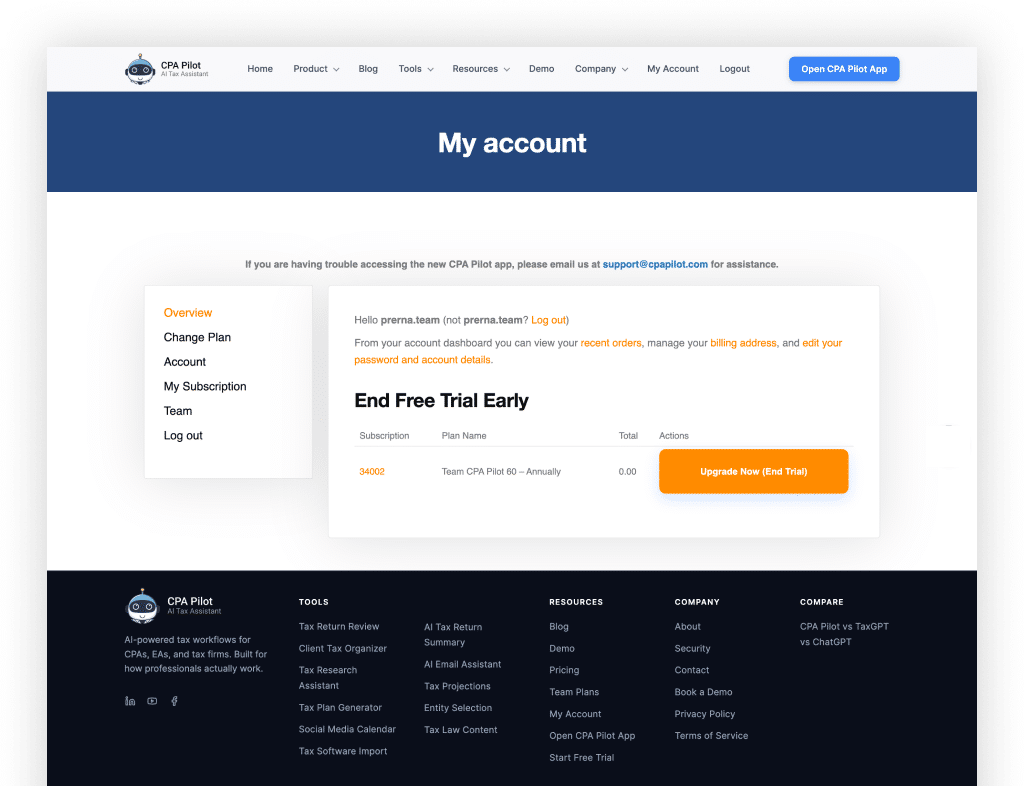
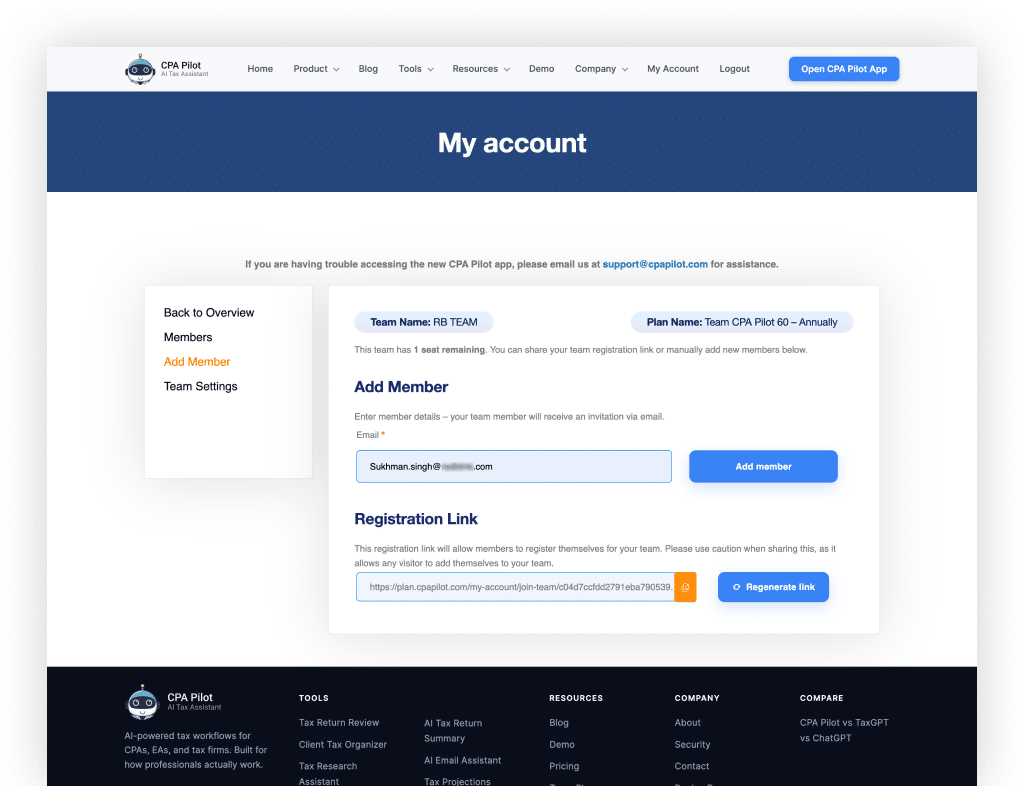
To add/invite Members click on the “Team” menu, you will be redirected to the “Add Member” page.
Step 2
There are 2 options to Add Member:
Email Invite: Input email under Add Member, Member will receive the email to join the team.
ShareRegistration Link: To add members using the Registration Link, share the Registration link with the members.
Step 3
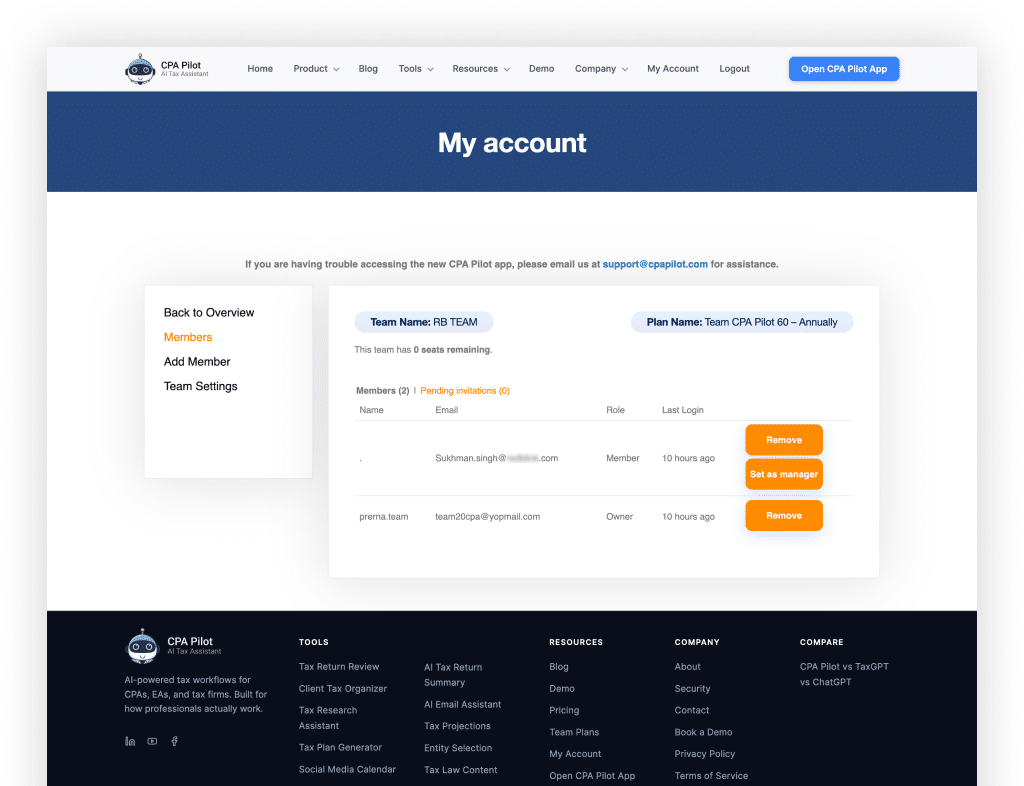
To List Team Members:
Click on the “Members” menu to see the members in your team.
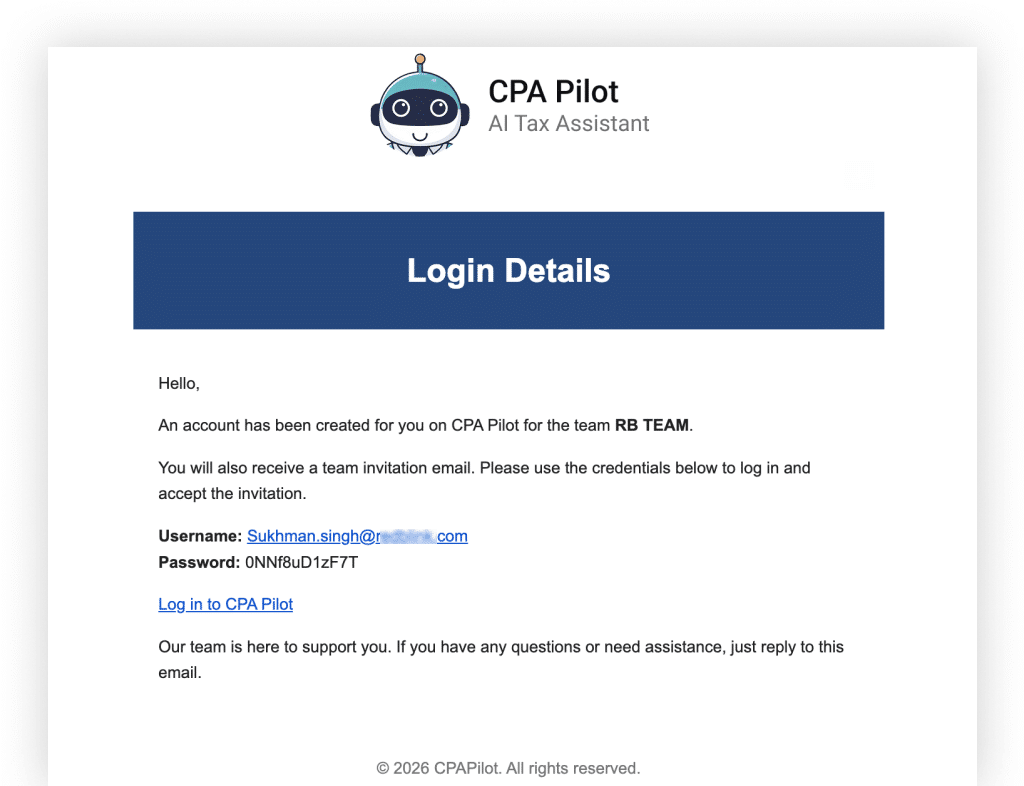
If you are a new member of CPA Pilot who has received an invitation to join this amazing platform, your account will be automatically created for you. Follow these steps to join your team:
Step 1
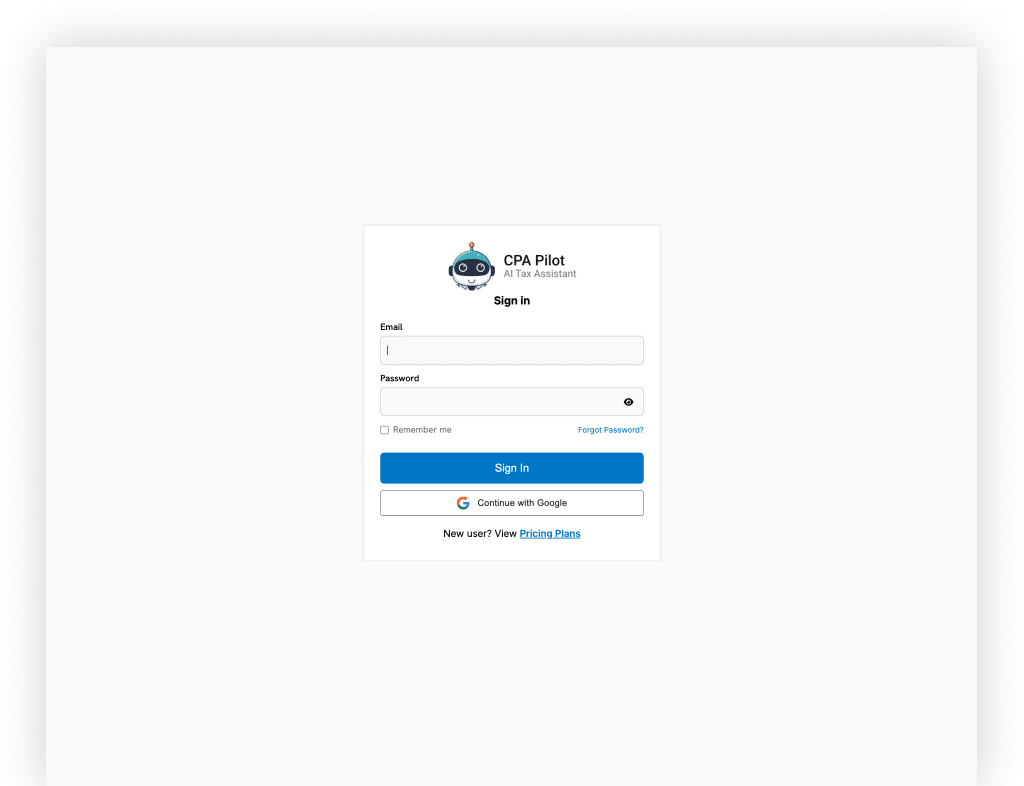
You will receive an email with your account access details. Use these details to log in to CPA Pilot.
Step 2
Once logged in, check your email for the invitation link to join the team.
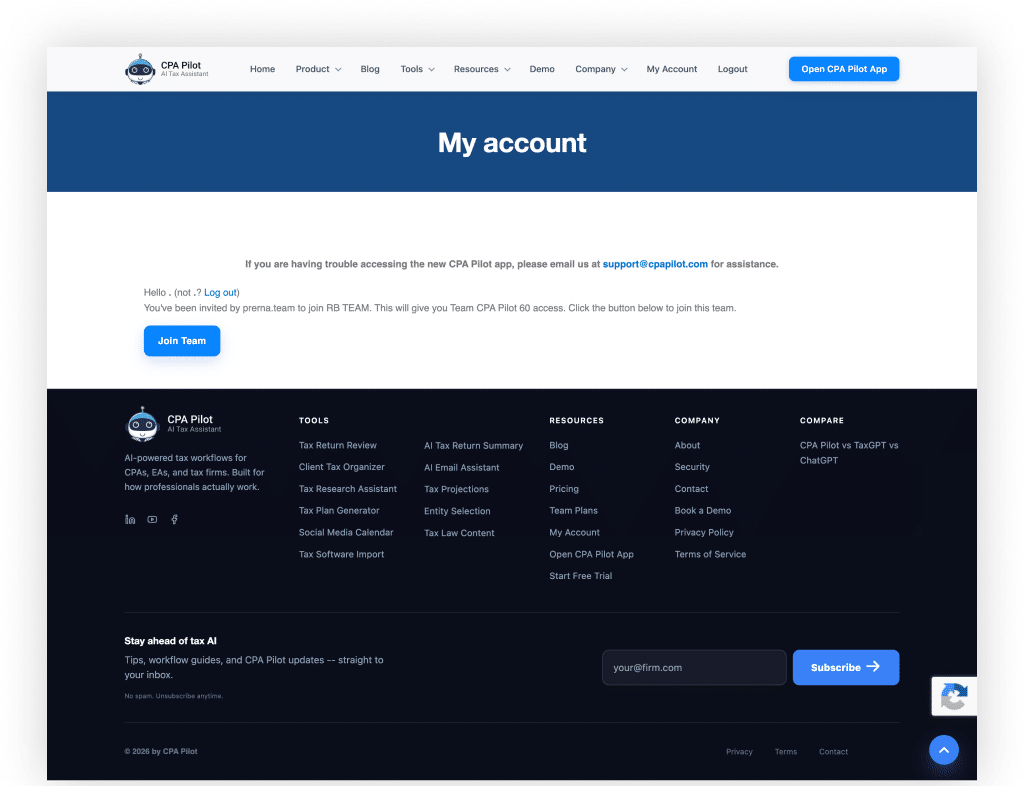
Click on the invitation link in your email. You will be redirected to the “Join Team” page.
Step 3
Click on the “Join Team” button. You will be redirected to the “Team Membership” page where you can see your team access.
Now, click the “Open CPA Pilot App” button from the header navigation to access the CPA Pilot App.
By following these steps, you’ll be on your way to enjoying the ease and accuracy of AI-powered tax assistance!